# Creating a starter gulpfile
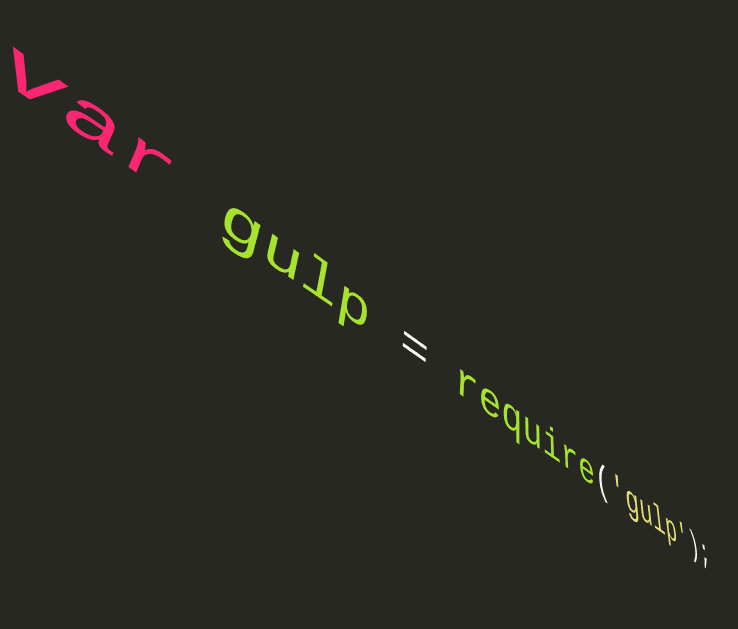
I needed a `gulpfile` that I could use in a majority of my [Electron](https://electronjs.org) apps and projects. Instead of trying to figure out which tasks I needed in my gulpfile. I needed the following:
1. HTML minification
2. CSS minification
3. Take the `*.css` and `*.html` files and pipe them to a newly created `/bin` folder.
## Getting Started
I would create a new directory on the command line and initialized it with git.
``` bash
$ mkdir gulp-tester
$ cd gulp-tester
$ git init
Initialized empty Git repository in C:/gulp-tester/.git/
```
Then I initialized a node repository.
``` bash
$ npm init -y
Wrote to C:/gulp-tester/package.json:
{
"name": "gulp-tester",
"version": "1.0.0",
"description": "",
"main": "index.js",
"scripts": {
"test": "echo \"Error: no test specified\" && exit 1"
},
"keywords": [],
"author": "RocketBear27",
"license": "MIT"
}
```
Using [Node Package Manager](https://npmjs.com), I installed a few packages to my `package.json` and project.
``` bash
$ npm install --save-dev gulp gulp-clean-css gulp-htmlmin
+ gulp-clean-css@4.0.0
+ gulp-htmlmin@5.0.1
+ gulp@4.0.0
added 334 packages from 235 contributors and audited 6438 packages in 64.608s
found 0 vulnerabilities
```
_You can ignore the NPM warning for now_
Now create a `/src` directory for our source code.
``` bash
$ mkdir src
$ cd src
```
After we created the `/src` folder, we need to open the whole `/gulp-tester` repo/folder in a code editor.
Create a new `index.html` and `style.css` file. Use [htmlshell.com](http://htmlshell.com) to create a custom HTML shell.
I created a custom output of:
``` html
gulp-tester
gulp-tester
```
For our `style.css` file, I created a bare minimal style rule.
``` CSS
body {
padding: 8x;
font-family: 'Open Sans', cursive;
}
```
## Running from the command line
Now we can open the command line and type the following line.
``` bash
$ gulp css html
```
What this task does is minify and remove all spaces from `.css` and `.html` files. And then pipe their output to the freshly new `/bin` folder for production.
## Output code for gulpfile
[gulpfile gist here](https://gist.githubusercontent.com/rocketbear27/48dfbca5c905bc701b7a9370f274201e/raw/2c811956a5e5e5b4518a233a562db6003894233c/gulpfile.js)